Flagging Rules
Flagging Rules allows you to set up automated rules for flagging specific types of feedback that require attention.
Accessing Flagging Rules
Navigate to Admin Settings > Recover tab > Flagging Rules to access this feature.
Managing Flagging Rules
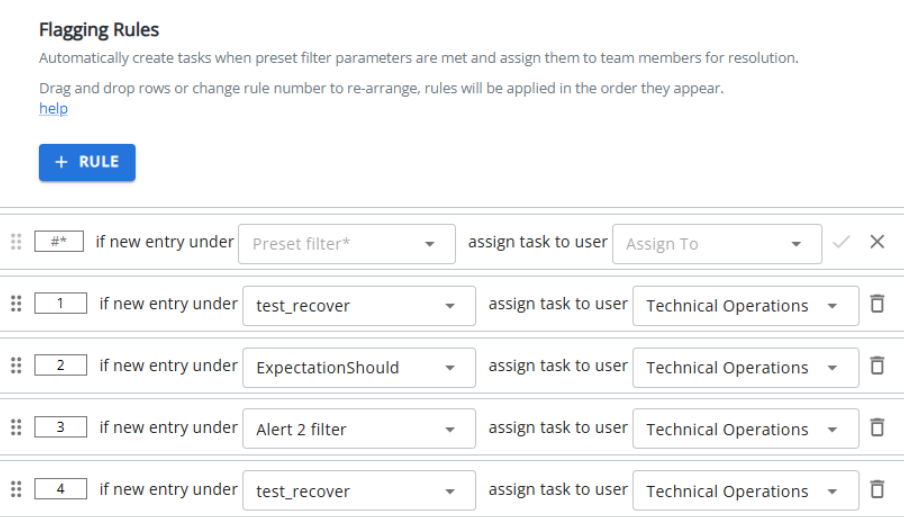
Once rules are created, they will be displayed in a grid format that allows for drag-and-drop reordering (coming in a future update). You can:
-
View all existing flagging rules.
-
Assign rules to specific users via the user drop-down with search functionality.
-
Use the "Assign to me" option to quickly assign a rule to yourself.
-
Filter rules using the filter drop-down menu.
Note: If no rules exist yet, you'll see a placeholder message. Contact your administrator to set up initial flagging rules.