Message Templates
Message Templates allows you to create and manage reusable message formats for customer communications.
Accessing Message Templates
Navigate to Admin Settings > Recover tab > Message Templates to access this feature.
Using Message Templates
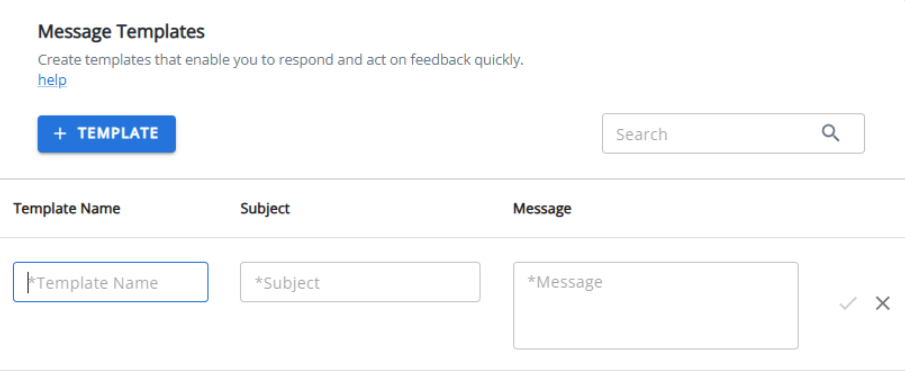
Once your legacy templates have been imported, they will appear in a table view. From here, you can select and use these templates for your email communications.
Note: If you don't see any templates, they may need to be imported from your legacy system. Contact your Rant and Rave administrator for assistance.