Building a new report
To create a new report:
-
From the Reports menu, select Reports.
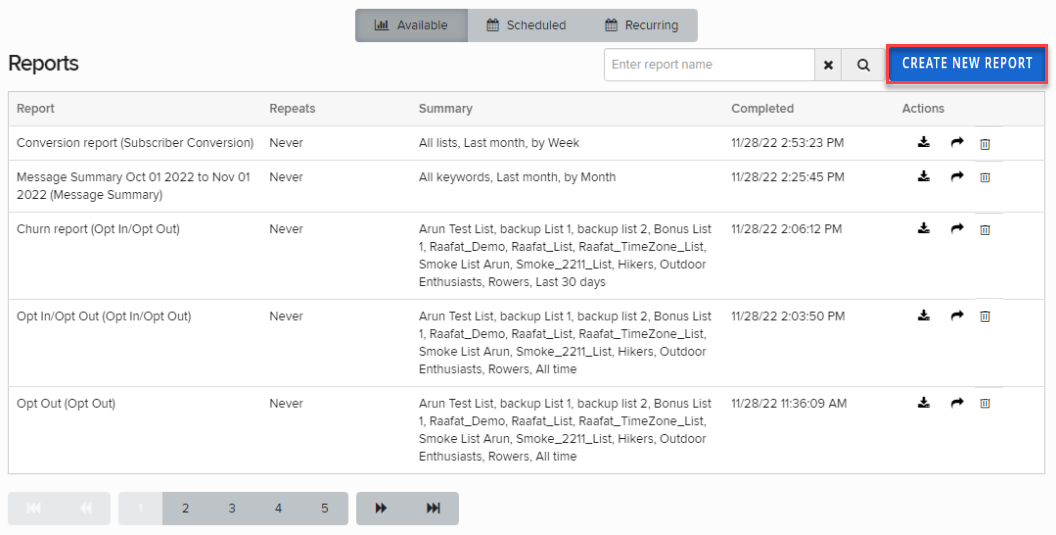
For a detailed description of the Reports tables, see Accessing available reports, Reviewing scheduled reports, and Reviewing recurring reports.
-
In the upper-right corner, select Create New Report.
-
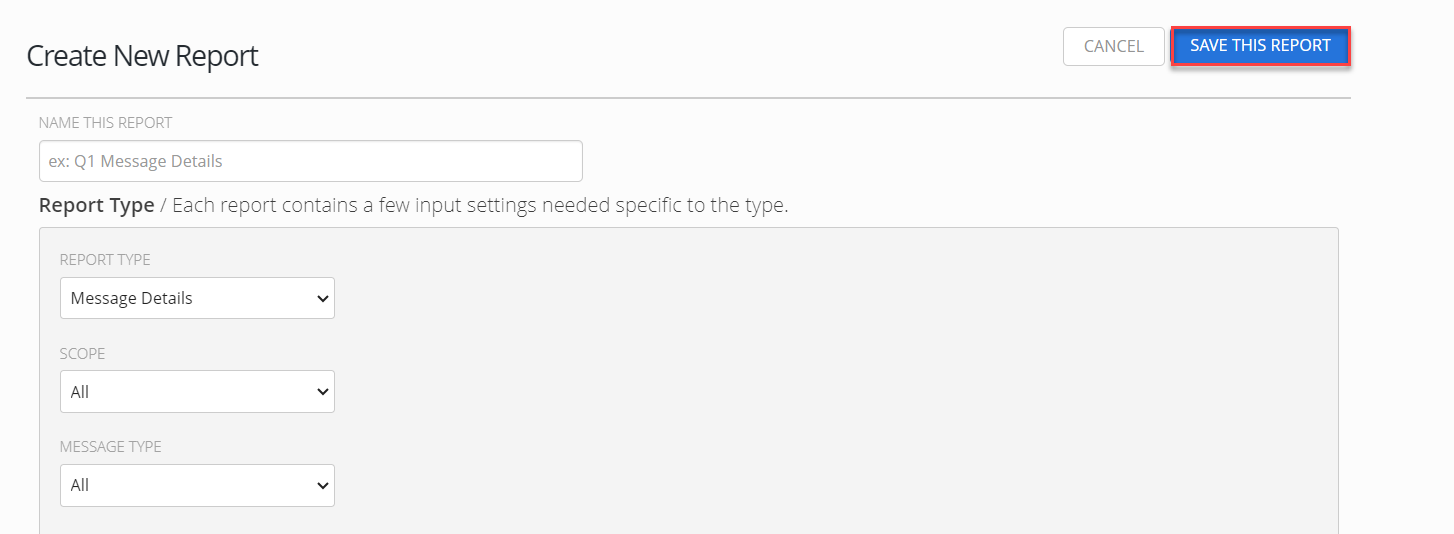
On the Create New Report form, enter a descriptive name for the report.
-
From the Report Type drop-down list, select the one of the following report types:
-
Follow the instructions for the report type.
-
When you are done, select Save this Report.
The report is added to the Reports table according to its schedule and frequency settings.